Automation Capacity

A clearer way to control automation-heavy work.

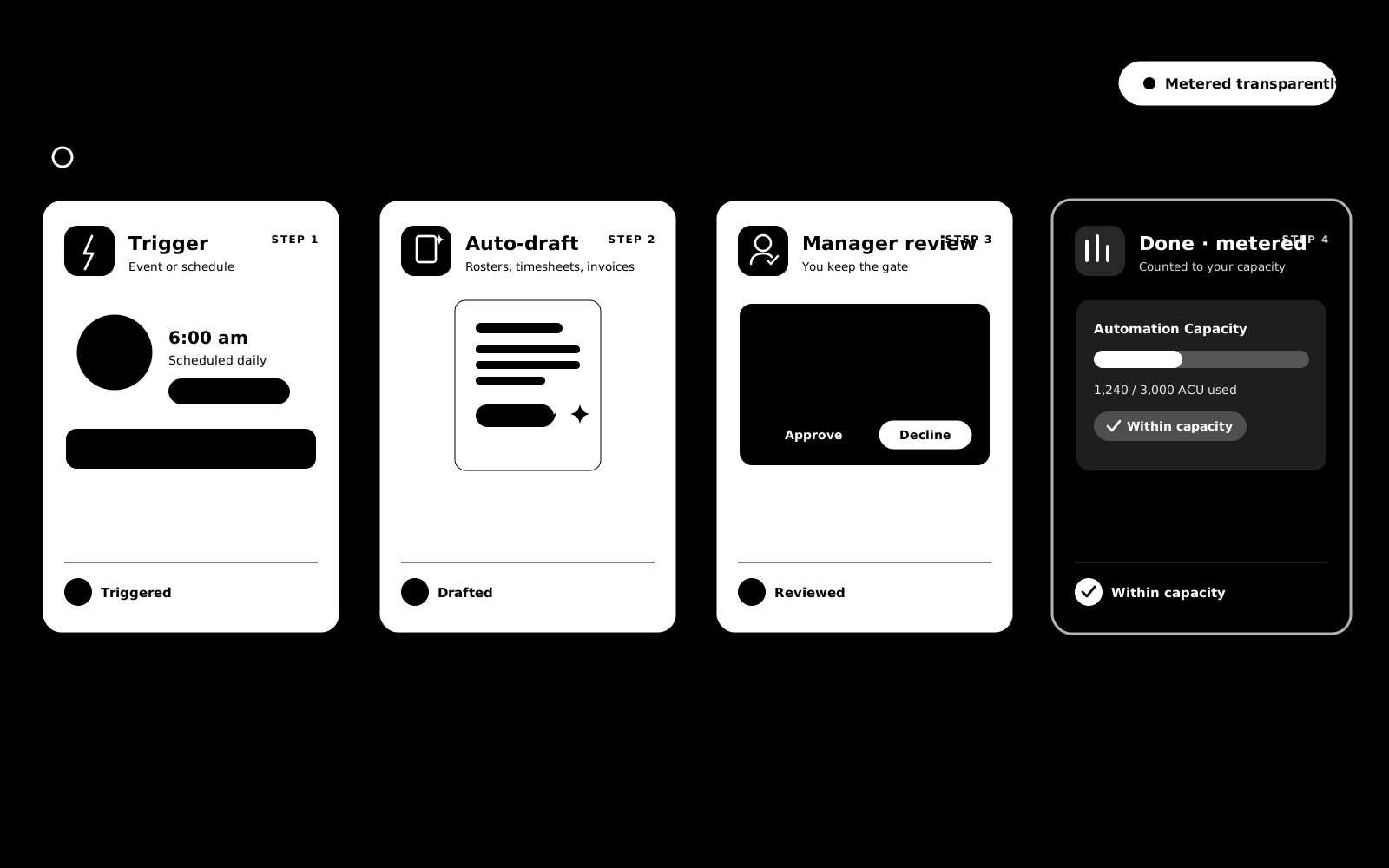
BondiByte uses Automation Capacity to help providers understand and manage the automated work behind smart rostering, reminder jobs, timesheet preparation, invoice draft generation, document scans, and audit workflows.

What it means

Automation Capacity sits behind the smart workflows.

Automation Capacity is the way BondiByte measures and governs automation-heavy work across the platform. It gives owners and admins clearer visibility into how much automated operational work is included in their plan.

Focused on automated work

It is not about ordinary page views, navigation, or simple manual editing. It is about the automated work BondiByte performs on behalf of the provider.

Automation Capacity helps teams understand what automation is doing, keep automation predictable, and scale smart workflows with clarity.

Where it applies

Used where automation does the heavy lifting.

Automation Capacity connects to the automated preparation, reminder, scan, draft, and workflow activity that helps reduce repetitive work.

Smart Rostering

Roster calculations, suitability checks, assignment preparation, and automated rostering phases.

Timesheet Preparation

Draft generation and reminder workflows that reduce chasing and manual setup.

Invoice Drafting

Draft invoice preparation from rostered support and billing line items when invoice automation is enabled.

Compliance Reminders

Document, contract, service agreement, incident, and audit-related reminder workflows.

Audit Workflows

Evidence requests, audit reminders, and automation around evidence workflows.

Email and Notifications

Operational email and notification workflows triggered by platform activity.

Manual work

Manual work stays simple.

Ordinary manual work does not become automation-heavy just because a user views or edits records.

This keeps Automation Capacity focused on the work the platform performs automatically, not every click your team makes.

Viewing pagesNavigating the appManually creating or editing recordsManually reviewing rostersManually approving timesheetsManually editing invoice draftsOrdinary admin work

Plans

Included capacity grows with the plan.

Each plan includes a monthly amount of Automation Capacity. Providers using more smart workflows have more included capacity on higher plans, while Enterprise can support custom operating models.

FoundationGrowthOperationsRoboticsRobotics PlusEnterprise

Visibility and control

Built for visibility, not surprise.

Automation Capacity gives providers a clearer way to see and control automation-heavy work. Teams can use manual workflows normally, then enable more automation where the value is strongest.

Visibility

See how automation-heavy workflows contribute to usage.

Control

Owners and admins can manage automation capability settings.

Scalability

Plans can grow with staff size, workflow volume, and automation use.

Fairness

Manual users and automation-heavy users are not treated the same.

Owner/Admin control

Owners and admins stay in control.

Automation Capacity connects to organisation-level automation and capacity controls, giving leadership a clearer way to decide which smart workflows should run automatically and where manual control is preferred.

Control signals
Organisation-level automation controls Clear controls help teams decide where automation should run.
Controlled
Disabled states with clear reasons Clear controls help teams decide where automation should run.
Clear
Capacity-aware workflows Clear controls help teams decide where automation should run.
Controlled
Operational settings inside the relevant workflow areas Configuration stays close to the relevant workflow.
Controlled

Workflow examples

How it works in real operations.

Automation Capacity is easiest to understand when it is connected to the smart workflows providers use every day.

Smart Rostering

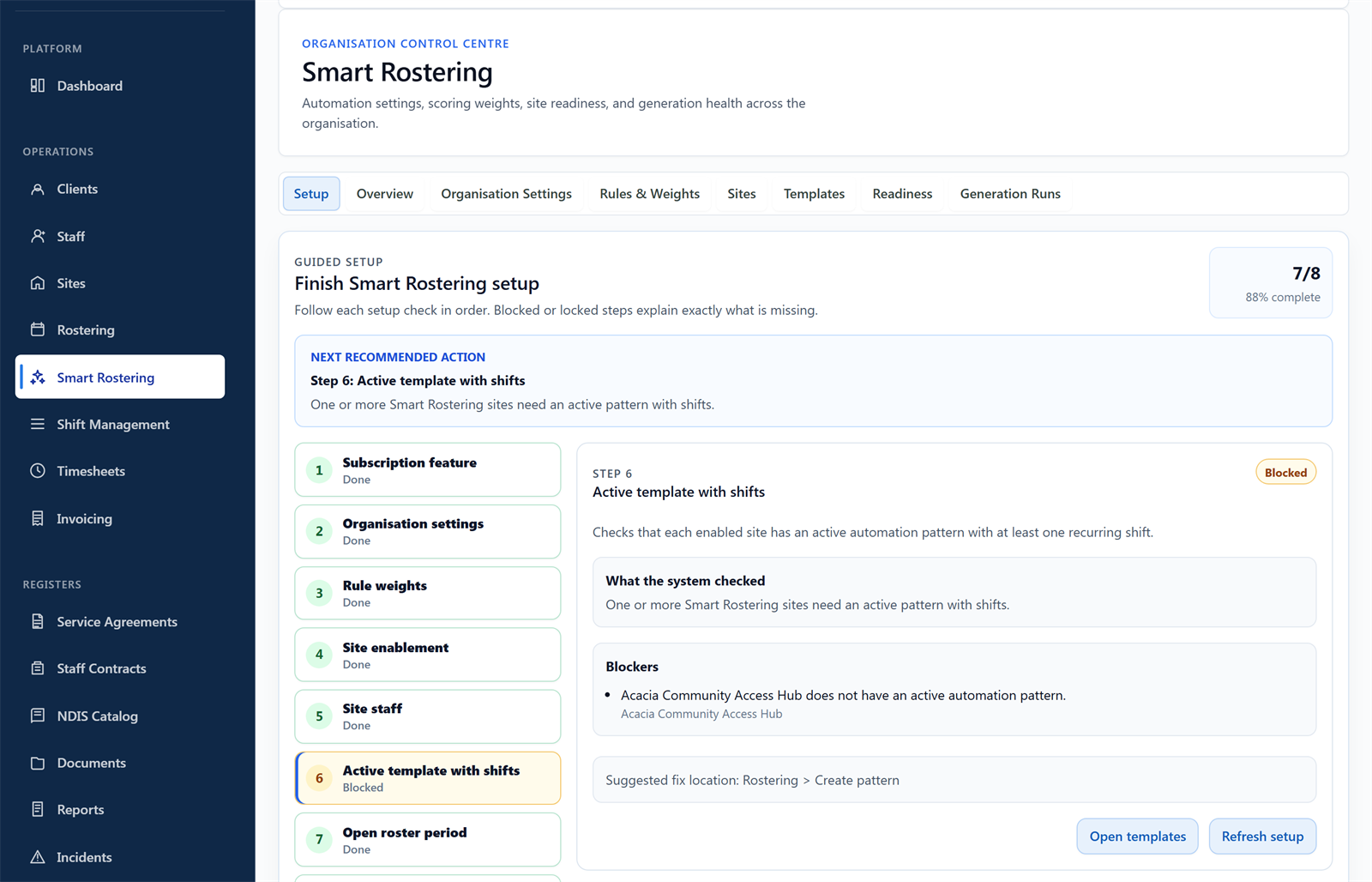
Smart Rostering can help move from roster pattern to created shifts, staff interest, suitability checks, assignment preparation, manager review, and publishing. Automation Capacity keeps that automation-heavy work visible and controlled.

Timesheets

Rostered shifts can support draft timesheet preparation, staff submission reminders, and manager review workflows. Automation Capacity helps separate this automated work from ordinary manual editing.

Invoicing

Rostered support and shift billing line items can support draft invoice preparation. Automation Capacity helps govern the automated preparation work while teams keep invoices reviewable before sending.

Use automation where it creates the most value.

BondiByte gives NDIS providers a way to scale smart workflows with more visibility, more control, and less admin drag.

Book demo