Documents on the record
- Attach to staff and client records
- Clear document types
- Profile photos included
- Files live where they belong

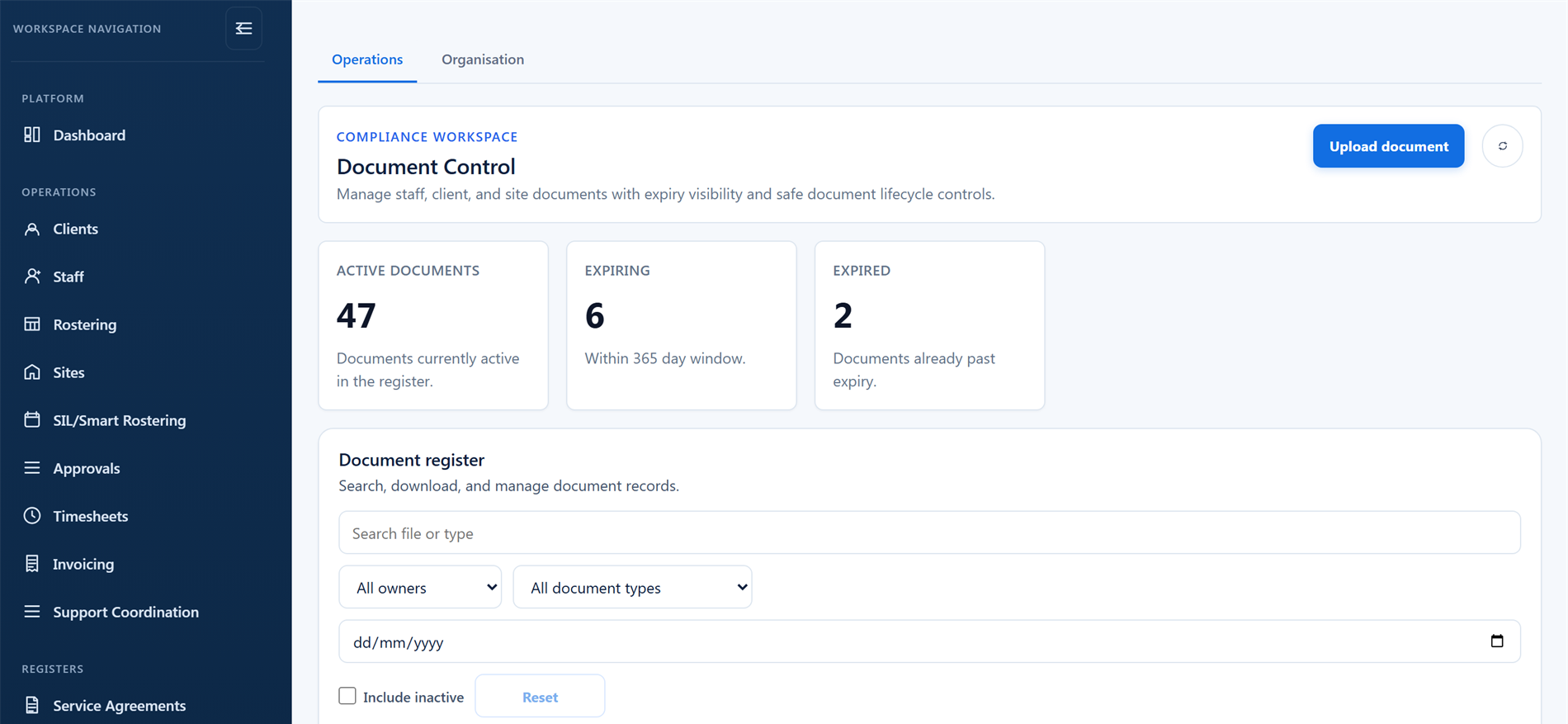
Keep staff and client documents on the right records, work from consistent organisation templates, and surface documents, checks, contracts, and agreements before they expire.
Documents staff upload are checked by an approver before they reach the record, and only an approved capability document unlocks its linked capability for rostering.
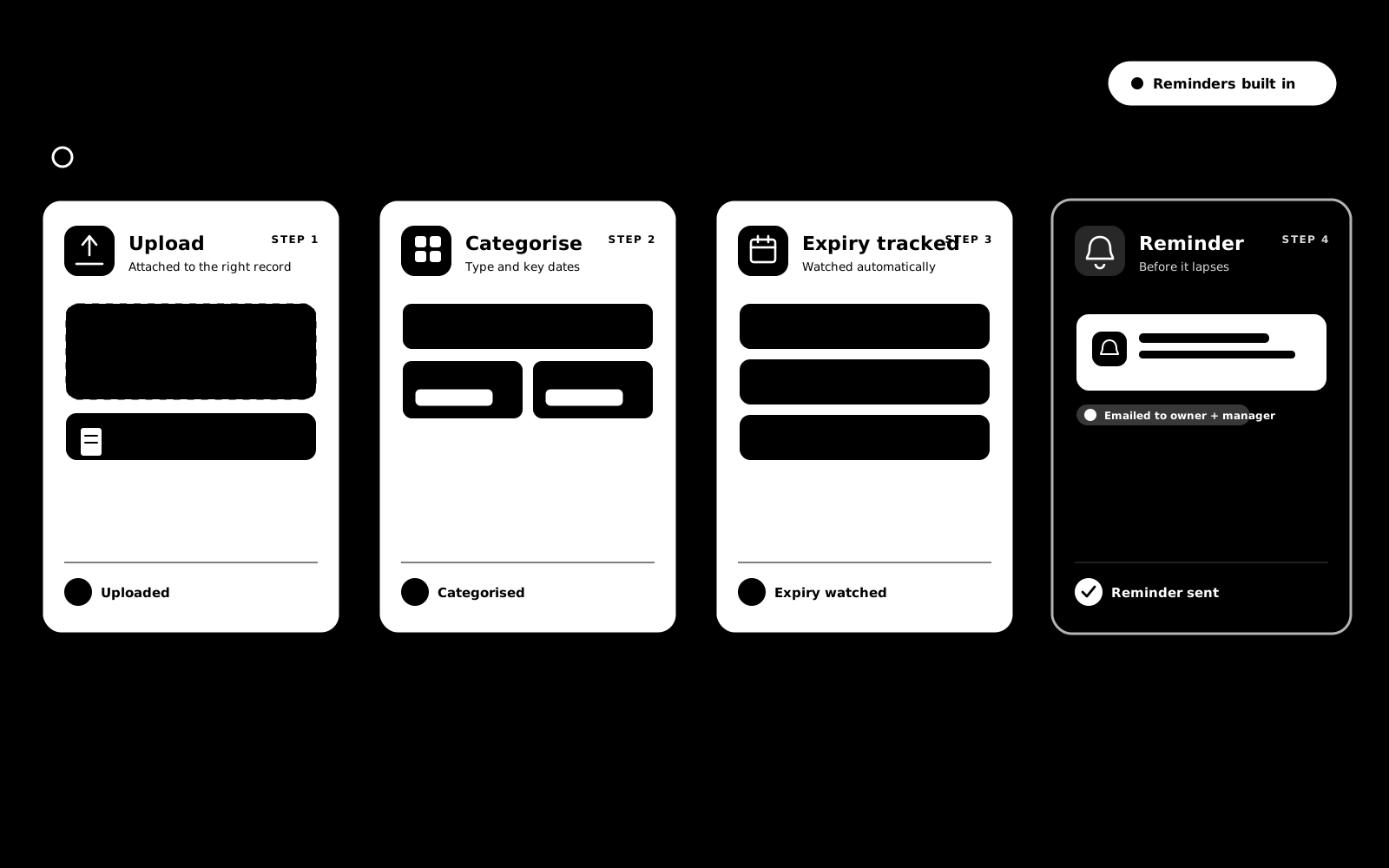
When a staff member uploads a document from the staff app, it does not go straight onto their profile. It waits for an approver, so only reviewed documents reach the record, and only an approved capability document unlocks the linked capability for rostering.
Everyday documents and expiry visibility keep things current. When it is time to prepare for an audit, the Audit Centre organises and shares selected evidence. Explore Audit & Compliance →
Policies, procedures, insurance certificates, registration documents and contract templates, kept where the whole team reuses the current copy instead of rebuilding it.
File each document as a policy, procedure, governance record, audit document, insurance certificate, registration document or general document, so the register stays organised as it grows.
Keep your staff contract and service agreement templates in the library, so the team always starts from the current approved file instead of a stale copy on someone's desktop.
Insurance certificates and registration documents always carry an expiry date, and anything approaching expiry appears on the attention lists automatically.
Deactivate a superseded document rather than losing it, reactivate it if you change your mind, and delete only deliberately. Expiry-dated documents must be deactivated before they can be deleted.
Find documents by name, type or expiry window, and include inactive records when you need the history.
Preparing an audit generates a policy and document register from these live records, so what you hold, when it was issued and when it expires is evidence you never assemble by hand.
Anything organisation-wide: policies, procedures, governance records, insurance certificates, registration documents, audit files, and your staff contract and service agreement templates. Staff, client and site documents stay in their own document workspace.
No. They wait in the approvals queue and only become trusted evidence on the staff profile once a manager approves them. Only an approved capability document unlocks its linked capability for rostering.
Yes. Those document types carry an expiry date, and the register flags documents expiring soon or already expired so renewals happen on time.
Preparing an audit generates a policy and document register from your live records. When an auditor needs the file itself, you upload it into the audit session, map it to the standard it supports, and decide whether it can be downloaded.
The library stores your templates so the team always starts from the right file. Drafting itself has dedicated tools: the Staff Contract Builder on the staff record and the Service Agreement Builder on the client record.
Each of these has its own page: why it exists, how it works, and the controls that stay with managers.
Keep your policies, procedures, insurance certificates, registration documents and contract templates in one organisation library, separate from…
Explore Organisation document templatesFeatureEvery qualification, clearance and check lives on the staff record, backed by the actual document. When evidence is due to expire, BondiByte chases…
Explore Capabilities & qualification expiryStart your free trial, or book a demo to see how BondiByte handles documents, organisation templates, review, and expiry visibility.
Hi, I can help with BondiByte features, pricing, setup and more.
Please don’t include sensitive participant or personal information.