Microsoft Entra SSO
- Sign in with existing Entra ID accounts
- No separate BondiByte password
- Branded login screens
- Controlled emergency access

Provider teams hold sensitive participant, staff, and operational data. BondiByte is built so the right people see the right things, and access can be granted and removed with confidence.
With Microsoft Entra single sign-on, SCIM provisioning, session control, and access logs, leadership stays in control, and your data keeps Australian data residency.
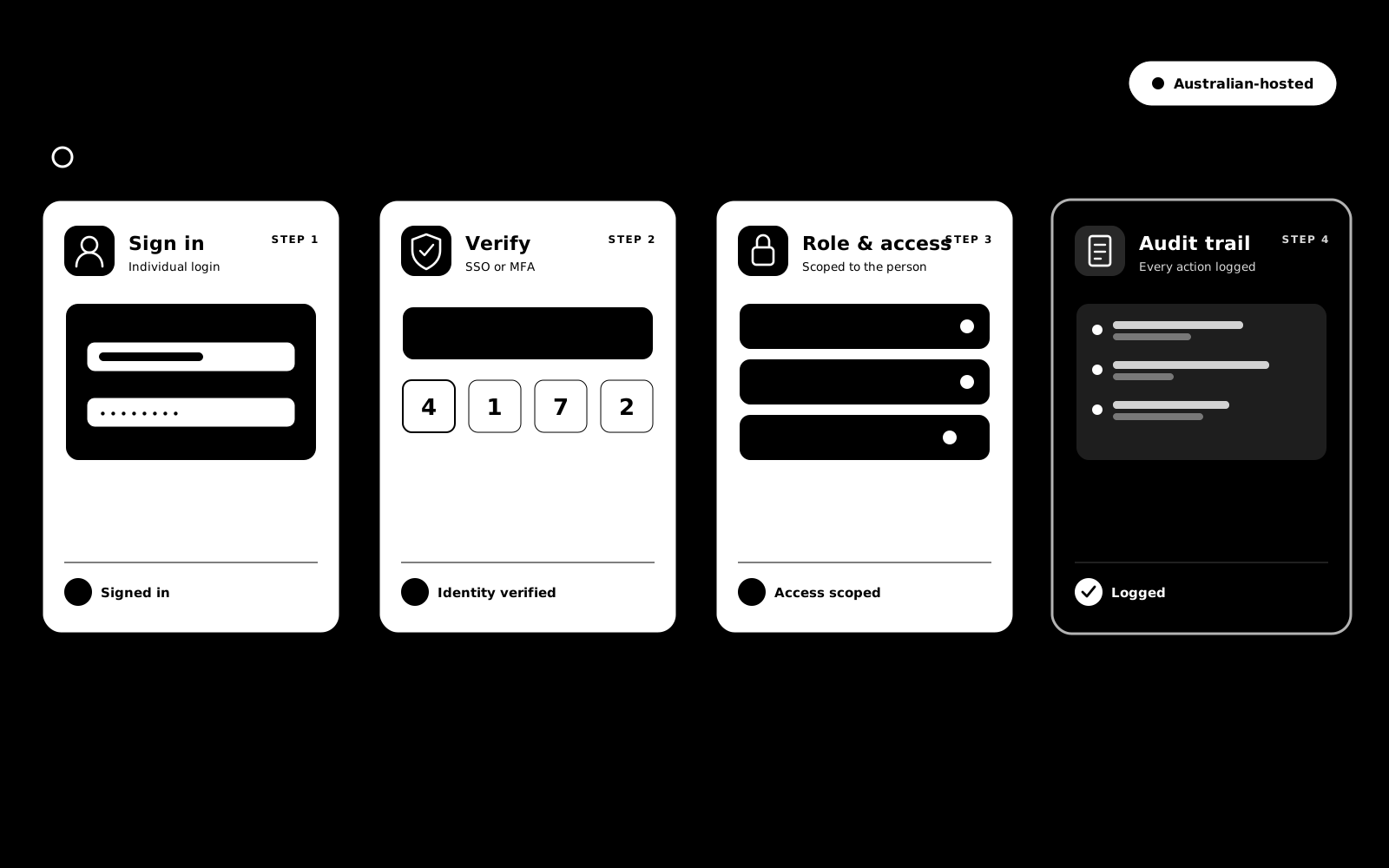
Access is role-based, sessions can be revoked when access should end, activity is logged, and emergency access is designed to be traceable rather than a shared back door.
For larger providers, SCIM provisioning and directory sync keep access aligned with your identity provider, so people land in the right role and lose access when your directory says so. Explore SSO & SCIM →
Access control is one layer with three faces: what a role can do, how a sign-in is verified, and how support staff see what a user sees without becoming them.
Coordinators who run rosters without seeing pay, office staff who manage documents without touching billing, support workers limited to their own portal.
A second check at sign-in from any standard authenticator app, so a stolen password on its own gets an attacker nowhere.
"It's not showing for me" without borrowed passwords: owners and admins preview the workspace or a staff member's portal exactly as that person sees it.
Yes. Grant the rostering permissions without the pay and invoicing ones, and that is exactly what they will see.
No. Permissions are enforced on the server for every request, so what a role cannot do stays impossible regardless of what appears on screen.
No. BondiByte requires at least one active Owner or Admin at all times, and Owner and Admin permissions are protected from being edited down. The MFA policy is sequenced so you verify your own MFA before requiring it for others.
No. SSO sessions are governed by your identity provider's own policies, such as Microsoft Entra conditional access. BondiByte MFA protects password sign-ins.
No. While a preview is active every change action is rejected on the server. It is view-only by enforcement, not by convention, and every session is logged.
Through scoped, time-limited auditor invites in the Audit Centre rather than normal login accounts, so their visibility ends when the review does.
Each of these has its own page: why it exists, how it works, and the controls that stay with managers.
Configure roles and permissions so each user sees and does exactly what they should.
Explore Roles & permissionsFeatureProtect sign-ins with a second check from a standard authenticator app, then require it for the accounts that matter most. A stolen password on its…
Explore Multi-factor authenticationFeatureOwners and admins can preview the workspace exactly as another user's role and permissions render it, read-only, for users at or below their own role…
Explore View-as (read-only preview)FeatureWhen a staff member says their portal looks wrong, open a logged, read-only preview of exactly what they see. Diagnose the real problem in minutes…
Explore Support preview (view as staff)Start your free trial, or book a demo to walk through SSO, SCIM provisioning, role-aware access, and Australian data residency for your provider.
Hi, I can help with BondiByte features, pricing, setup and more.
Please don’t include sensitive participant or personal information.