Microsoft Entra SSO
- Sign in with existing Entra ID accounts
- No separate BondiByte password
- Branded login screens
- Controlled, traceable emergency access

As a provider grows, setting up and removing access by hand stops working. BondiByte connects to your identity provider so access reflects who is in your directory and what groups they belong to.
Sign in with Microsoft Entra ID, provision and remove staff automatically with SCIM 2.0, and map your groups to both BondiByte roles and site access.
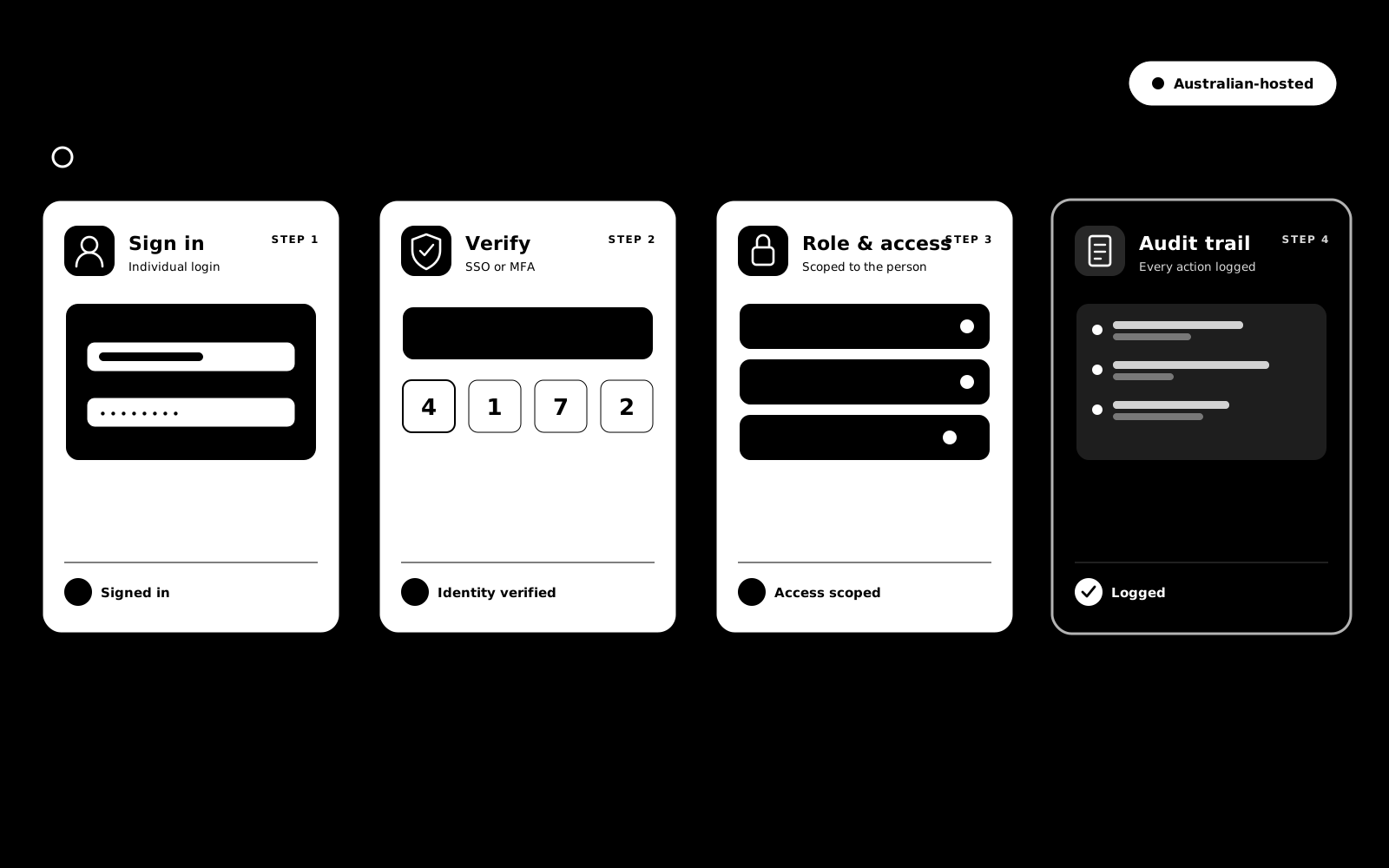
Most tools stop at mapping groups to roles. BondiByte also maps groups to site access, so a worker who moves between teams gets the right role and the right sites without anyone editing access by hand.
Scheduled directory sync keeps users, roles, and site access aligned over time, so access does not drift between manual reviews.
Handing account management to a directory only works if the directory cannot overreach. These limits are properties of the product, not settings.
SCIM can never grant Owner, Admin or billing-level roles. Group mapping grants the Manager role at most; anything more senior is only ever assigned by a person inside BondiByte, by deliberate design.
New activations are checked against your plan's staff allowance, so a directory change cannot silently grow your bill.
Generate, rotate and revoke the tokens that let your directory talk to BondiByte, with usage tracked. Revoking a token stops further changes instantly without touching existing users.
Every action SCIM takes is recorded and viewable, so you can always see what your directory did and when.
Remove someone in your directory and their BondiByte access is deactivated. Their records stay in your workspace for history and compliance.
SCIM is the open standard identity systems use to create, update and deactivate user accounts in the apps a business runs. It is how your directory manages BondiByte access for you.
Microsoft Entra ID. Both SCIM provisioning and Microsoft single sign-on are built around it.
No, deliberately. Group mapping can grant the Manager role at most; Owner, Admin and billing roles can only be granted by a person inside BondiByte.
When their assignment is removed in your directory, their BondiByte access is deactivated automatically. Their records remain in your workspace for history and compliance.
It is configured for your organisation with your Microsoft administrator involved and BondiByte coordinating, so identity details are handed over safely rather than through email or chat. The SSO and SCIM guide walks through the process.
Each of these has its own page: why it exists, how it works, and the controls that stay with managers.
SCIM is the open standard identity systems use to manage user accounts in connected apps. Connect it to Microsoft Entra ID and BondiByte stays in…
Explore SCIM auto-provisioningFeatureConfigure roles and permissions so each user sees and does exactly what they should.
Explore Roles & permissionsStart your free trial, or book a demo to walk through Microsoft Entra SSO, SCIM provisioning, and group-to-role and group-to-site mapping for your provider.
Hi, I can help with BondiByte features, pricing, setup and more.
Please don’t include sensitive participant or personal information.