Set the timing once
Decide how many days before each period the cycle steps should run: creating the shifts, opening staff interest, generating the draft roster, and publishing. The defaults give three weeks of lead time.

BondiByte can run each roster period through the cycle on its own timing, instead of waiting for someone to start.

Short demonstrations in the real product, using made-up data. Choose a part to watch it here.
Watch the full series on YouTube (opens YouTube in a new tab)
Each roster period moves through the cycle on its own timing, instead of waiting for someone to kick it off.
Managers are nudged at the right moment to review and publish, so nothing stalls.
You decide how much runs automatically, with full control to dial it up or down.
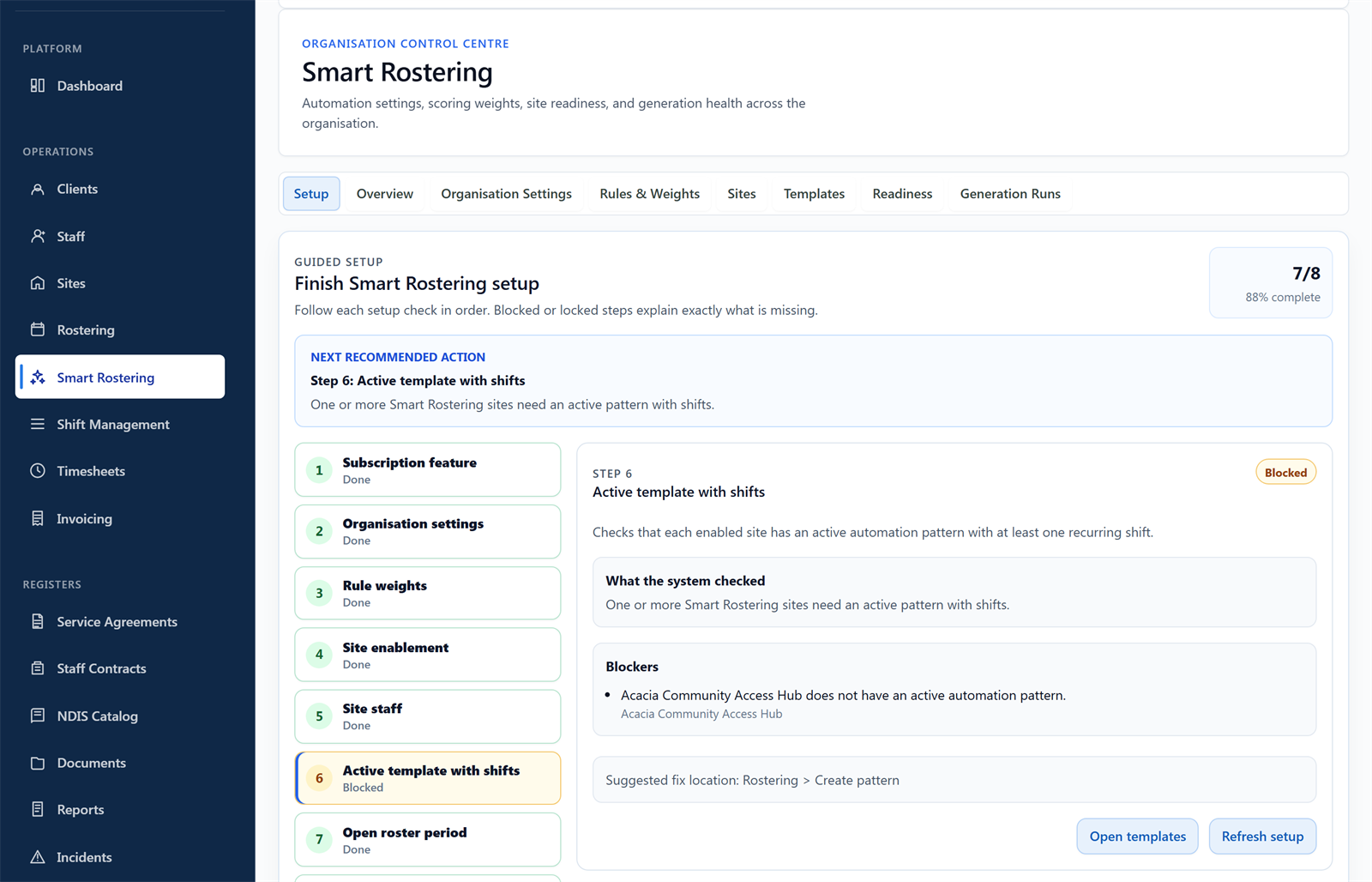
Automation timing, review gates and site enablement in one place.
Somebody has to remember to build next fortnight's roster, and everything downstream waits on them. When that person is on leave, the cycle slips: shifts are created late, staff find out their hours at the last minute, and managers publish under pressure. A roster cycle this regular should not depend on anyone's memory.
Decide how many days before each period the cycle steps should run: creating the shifts, opening staff interest, generating the draft roster, and publishing. The defaults give three weeks of lead time.
On schedule, BondiByte prepares the next roster period, creates its shifts from your pattern, opens interest where you use it, and generates draft assignments, site by site.
Emails go out when a period's shifts have been created and when draft assignments are ready, each linking straight to the right site and period on the roster.
By default nothing publishes without a manager reviewing it. Auto-publish exists, but only for sites where you deliberately turn it on, and you can be notified whenever it runs.
If a roster sits unpublished, the site manager is reminded on your schedule, and after your set number of reminders the nudge escalates to organisation admins so the period never quietly stalls.
Every roster period moves through the same steps on the timing you set, aligned to your fortnight or month.
Separate days-before settings for creating shifts, opening interest, drafting assignments and publishing.
Shifts created and draft ready notices land in the manager's inbox with a one-click path to the exact roster.
Unpublished rosters trigger reminders to the site manager, escalating to admins after the count you choose.
Trigger the next automation step manually when you do not want to wait for the schedule.
See what automation did, when, and for which site and period, so the cycle is never a black box.
Manager review is the standing gate. Auto-publish is opt-in per site, and you can require a notification every time it acts.
Choose the lead time and how many reminders go to the site manager before admins are brought in.
Run full automation at stable SIL sites while other sites stay manual. Each site opts in separately.
Automation work draws on your plan's automation capacity, so usage is visible and governed rather than open-ended.
Not unless you switch auto-publish on for that site. The default requires a manager to review and publish, and auto-publish can notify you every time it runs.
Yes. Each step has its own days-before setting, so you control how early shifts are created, when interest opens, and when drafts are generated.
After the number of reminders you configure, the reminder escalates to your organisation admins, so a period cannot stall silently.
Yes. You can run the next step on demand rather than waiting for its scheduled day.
Automation runs within your plan's automation capacity, and you can see the run history for every site and period, so the amount of automation is always a choice you have made.
The full rostering cycle in one supervised workflow: patterns and periods, shift creation, suitability and hard-block checks, weighted recommendations, sleepovers, and scheduled automation.
Smart RosteringReal rosters change: someone cancels, someone wants to swap, a gap appears. BondiByte turns each change into a proper workflow: staff interest collected before assignment, open shifts claimed from the phone, cover offers when someone cancels, swaps that keep the roster true, and escalation that makes sure a gap is never discovered the morning of the shift.
Smart RosteringSet up your roster calendar once, capture how each site really runs, and let every future period start from that shape.
Smart RosteringCreate a whole period of shifts from your configured patterns and site or period settings, including recurring shifts.
Smart RosteringAsk the whole team who wants the shifts, in one step, and get answers you can actually roster from. Staff respond from their own portal, unsuitable responses are filtered out automatically, and interest flows straight into the roster suggestions.
Smart RosteringCritical conflicts are blocked before staff are even considered, then suitability signals rank who fits best.
Start your free trial, or book a demo to see it with your own operation in mind.
Hi, I can help with BondiByte features, pricing, setup and more.
Please don’t include sensitive participant or personal information.